
Maintenance scheduling has traditionally relied on scheduler experience, spreadsheets, clunky CMMS calendars, and a lot of manual reshuffling. Alongside scheduling bolt-ons like Sockeye, AI maintenance scheduling software offers compelling ways to streamline the process.
The challenge is that “AI scheduling” can mean very different things depending on the platform.
There are very few systems that are actually able to dynamically optimize and assign work. Most provide smart recommendations, help prioritize work, warn about constraints, and offer some level of automation.
This guide breaks down the difference and compares the CMMS and EAM platforms with the strongest AI-assisted and AI-powered maintenance scheduling capabilities.
QUICK TAKEAWAYS
- AI maintenance scheduling ranges from simple scheduling recommendations to dynamic, automated schedule optimization.
- Platforms with the strongest AI-scheduling capabilities and optimization include IFS Cloud EAM, IBM MAS with Maximo Optimizer, UpKeep, and Oracle Fusion Field Service.
- AI-powered scheduling heavily depends on accurate scheduling inputs, proper configuration, and human oversight.
- Teams that mainly need faster weekly and daily scheduling and do not want to deal with complex and expensive AI-feature deployments can use a scheduling automation tool like Sockeye instead.
AI-powered vs AI-assisted planning and scheduling
AI maintenance scheduling is still a relatively new software category, and vendors do not use the terminology consistently. A feature described as “AI scheduling” might dynamically build and optimize a schedule, or it might simply recommend priorities, identify conflicts, or help a planner make faster decisions.
For this article, we will use AI-powered and AI-assisted scheduling to distinguish between those two levels of automation.
| Classification | What it means | Typical capabilities | Scheduler involvement |
|---|---|---|---|
| AI-powered scheduling | The software can dynamically build or optimize maintenance schedules based on available data and constraints. | Assigning jobs to available technicians, balancing capacity, considering skills and priorities, optimizing task sequences, and recalculating schedules when conditions change. | The scheduler defines constraints and reviews or overrides the resulting schedule, but the software performs much of the scheduling work. |
| AI-assisted scheduling | The software helps the planner make scheduling decisions but does not independently create and continuously optimize the schedule. | Priority recommendations, conflict warnings, suggested technicians, automated work order generation, natural-language assistance, and rules-based automation. | The scheduler has to build the schedule, but can, in theory, do it better and faster. |
Keep in mind that predictive maintenance is not a part of this discussion. The failure prediction is an important scheduling input, but it does not necessarily solve the scheduling problem. A maintenance team still needs to:
- Approve the work: Decide whether the predicted condition actually requires intervention.
- Create or review the work order: Define or approve the required tasks, parts, tools, and procedures.
- Determine priority: Balance the predicted failure risk against other maintenance work.
- Find available labor: Match the job with technicians who have the necessary skills and availability.
- Coordinate the timing: Consider production schedules, shutdown windows, permits, contractors, and parts availability.
- Adjust the schedule: Reschedule work when emergencies, absences, or production changes disrupt the original plan.
All of the platforms covered below support predictive or condition-based maintenance in some form, but our classification focuses specifically on what the software does after the need for maintenance has been identified.
A quick overview of AI-driven asset maintenance scheduling platforms
AI scheduling is appearing in both large EAM platforms and newer CMMS products, but the level of automation varies considerably. Based on publicly available product documentation as of September 2026, the platforms below have some of the strongest documented capabilities of using AI or advanced optimization for work order planning and scheduling.
| Platform | How AI/optimization is used in scheduling | AI-scheduling maturity |
|---|---|---|
| IFS Cloud EAM | IFS uses its PSO engine to allocate work based on resources, materials, qualifications, operational constraints, work priority, and other inputs. Dynamic datasets can continually process changes and update schedules as new work or resource requirements enter the system. IFS explicitly states that IFS.ai powers dynamic scheduling within its EAM platform. | AI-powered — dynamic scheduling |
| IBM Maximo Application Suite + Maximo Optimizer | Maximo Optimizer can automatically schedule and assign work according to defined constraints and objectives. Users can assign weights to competing goals — such as prioritizing high-urgency work orders, minimizing overtime, or reducing travel gaps between jobs. It also supports scenario modeling and continuous schedule re-optimization as real-world conditions change. | AI-powered scheduling and optimization |
| UpKeep | UpKeep’s Smart AI Scheduler can automatically distribute selected work orders among selected technicians within a defined scheduling window while avoiding double-booking. The planner still defines the work, technicians, timeframe, and other scheduling parameters — then reviews the generated schedule. | AI-assisted scheduling |
| SAP S/4HANA Asset Management for resource scheduling | SAP is introducing AI assistance through Joule. The agent can continuously analyze real-time data, recommend schedule adjustments, reprioritize work, and check available production slots. The planner reviews and acts on those recommendations through SAP’s resource-scheduling applications. | AI-assisted scheduling |
| Limble CMMS | Limble combines resource planning with AI scheduling suggestions. After work has been planned and assigned, the AI can recommend ways to consolidate similar tasks on the same day, assign related tasks to the same technician, or group geographically similar work. The planner reviews and applies or declines the suggestions. | AI-assisted scheduling |
| Oracle Fusion Cloud Maintenance + Fusion Field Service | Oracle can send maintenance work to Fusion Field Service, which generates time-slot and technician-assignment recommendations using technician skills, availability, schedules, and other constraints. The optimized recommendations are returned to Oracle Maintenance for review and execution. | AI-assisted scheduling |
| HxGN EAM | HxGN EAM’s Constraint Optimizer matches maintenance activities with crews or technicians based on qualifications, work priority, travel distance, and shift availability. It evaluates different assignment combinations and returns an optimized sequence of work for each resource. Hexagon documents this as constraint optimization rather than explicitly describing the scheduling engine as AI. | AI-assisted planning and scheduling |
| eMaint | eMaint’s AI capabilities can prioritize maintenance backlog based on factors such as asset criticality, failure risk, and production impact, and recommend changes to PM intervals. Its actual scheduling interface remains primarily a drag-and-drop scheduler with workload and scheduling-conflict alerts. | AI-assisted planning and prioritization |
| Sockeye | Sockeye automates maintenance scheduling by matching selected, ready-to-schedule work orders with qualified, available labor. Schedulers can review the result and make quick changes using drag-and-drop functionality. | Constraint-based maintenance scheduling automation |
Sidenote: HxGN, Oracle, and Sockeye do not specifically market their scheduling optimization features as “AI”, but their schedulers can actually be more automated than some products that do flaunt their AI capabilities.
Also, do not take this as a definitive list. As maintenance platforms continue to expand their AI features, and new solutions enter the market, there will be more ways to use AI software for maintenance scheduling.
If you are currently looking for maintenance scheduling software and simplifying scheduling is your priority, keep these two things in mind:
- Ask each shortlisted provider to show you its scheduling interface and explain how AI supports the process (if the software does that).
- Sockeye offers an intuitive work order scheduling bolt-on that can integrate with any CMMS or EAM to automate scheduling and reporting.
How using an AI-driven asset maintenance scheduling platform looks in practice
Using IFS Cloud EAM as an example. Its Planning and Scheduling Optimization (PSO) engine can consider work priority, technician availability, qualifications, material and tool availability, and operational plans — then assign activities to resources while trying to find the best schedule within those constraints.
For a weekly maintenance schedule, the workflow might look like this:
- Load the work: Planned work orders and preventive maintenance tasks enter the scheduling dataset.
- Apply constraints: IFS considers available technicians, skills, parts, tools, operational restrictions, and the relative importance of each job.
- Optimize the schedule: The scheduling engine assigns and sequences work based on those inputs rather than requiring the planner to manually place every job.
- Respond to changes: If an urgent work order arrives, a technician becomes unavailable, or another scheduling input changes, a dynamic dataset can automatically send the new information to the scheduling engine and update the schedule.
This last step is what separates dynamic AI-powered scheduling from basic scheduling automation. IFS recommends dynamic datasets for shorter planning horizons, typically less than a week, where conditions change frequently. The dataset remains active in the scheduling engine, incoming changes are loaded automatically, and the engine continually works to improve the schedule rather than treating the original weekly plan as fixed.
The maintenance scheduler therefore shifts from manually deciding where every job fits to setting constraints, maintaining accurate scheduling inputs, reviewing the resulting schedule, and handling exceptions that require human judgment.
Potential challenges of using AI software for maintenance scheduling
AI-powered maintenance scheduling can reduce manual work and respond to more variables than a scheduler could realistically process at once. However, these capabilities are not cheap, and there are several practical issues to consider before handing a significant part of your scheduling process over to an AI or optimization engine.
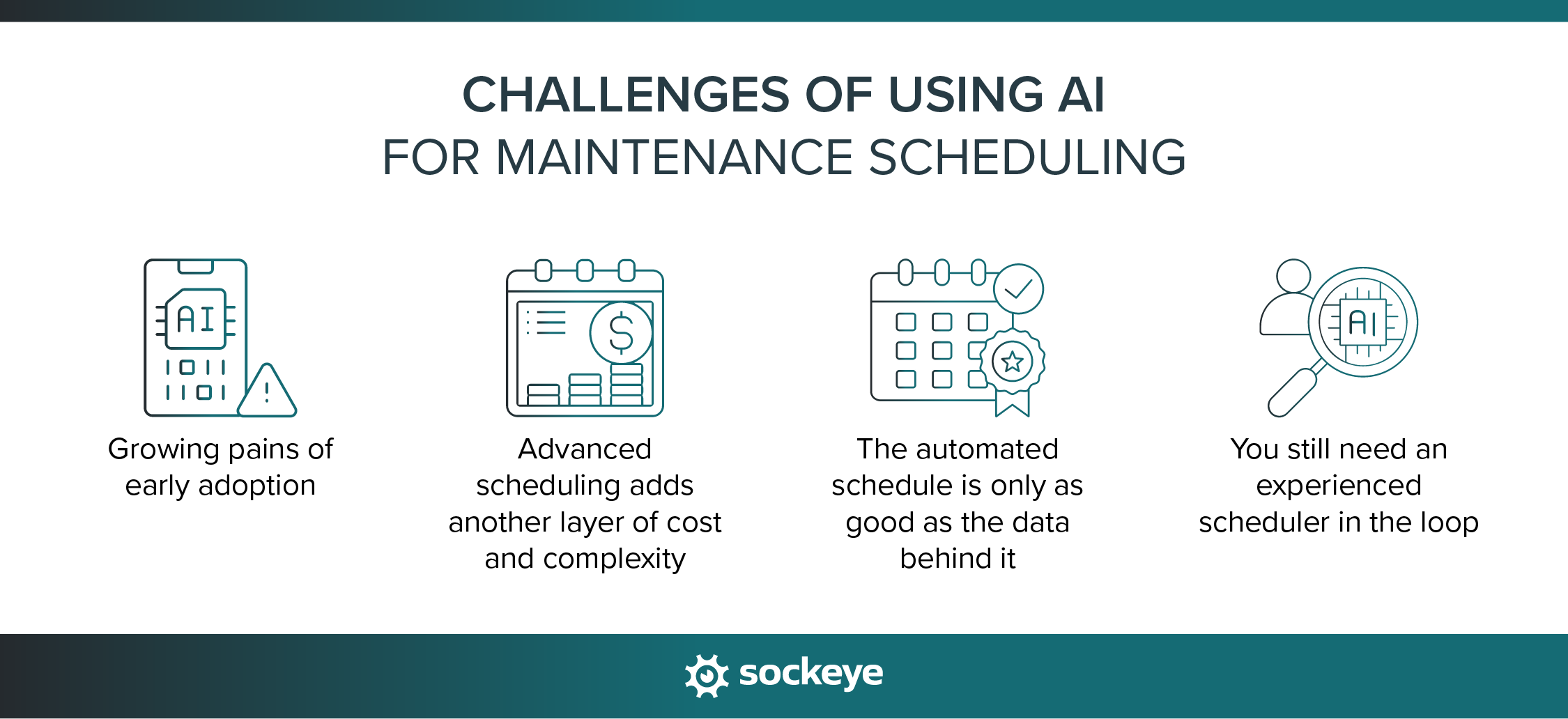
1. Growing pains of early adoption
AI-supported maintenance scheduling is still fairly new, and if you ever used LLMs, you know that AI can make mistakes. As companies adopt more AI features, there will be growing pains like bugs, performance issues, and even security concerns.
That raises a question: do you want to be an early adopter? For many teams, a good maintenance scheduling automation is more than enough.
3. Advanced scheduling adds another layer of cost and complexity
The most sophisticated scheduling optimization is found inside large EAM platforms.
That creates a trade-off: you gain a more powerful scheduling engine, but you also face higher software costs, additional modules, longer implementation, and more configuration and administration work.
For large organizations with dedicated EAM administrators and complex scheduling requirements, that investment may sound perfectly reasonable. Most small and mid-sized teams that mainly want to build and maintain realistic weekly schedules may find the added cost and complexity difficult to justify.
3. The automated schedule is only as good as the data behind it
AI and optimization engines depend heavily on accurate scheduling inputs. Technician shifts, skills, job durations, parts availability, work priorities, asset availability, and operational constraints all affect the schedule an engine produces.
If those inputs are incorrect or outdated, the resulting schedule may be mathematically optimized without being practical on the shop floor.
This makes data discipline just as important as the scheduling algorithm. If the software does not give you an easy way to manage constraints — like keeping crew and contractor availability up-to-date — it doesn’t matter how good its scheduling engine is; you will not get a usable schedule.
4. You still need an experienced scheduler in the loop
AI scheduling does not eliminate the need for maintenance planning and scheduling expertise. Someone still needs to define scheduling rules, review exceptions, decide when production or safety considerations override the optimized schedule, and determine whether the proposed assignments make sense in the real world.
Human oversight is especially important when an optimization model cannot capture all of the context behind a scheduling decision. NIST’s AI Risk Management Framework similarly emphasizes that organizations should clearly define human roles and responsibilities when AI systems participate in operational decision-making.
Automate maintenance scheduling with the Sockeye bolt-on
Sockeye is a purpose-built maintenance scheduling bolt-on that connects to your existing CMMS or EAM instead of replacing it.
You simply select the work you want to schedule (pulled from your CMMS/EAM), and its automation matches work orders with qualified, available labor. Real-time labor utilization graphs show scheduled hours against available capacity, while drag-and-drop rescheduling makes it easy to adjust the plan when conditions change.
Sockeye also gives schedulers an easy way to update labor availability, level workloads between teams, and track schedule delays. You can account for crew and contractor shifts and planned absences, identify overloaded or underutilized teams, move work between crews, and record why scheduled work was delayed or missed.
The AV Group provides a good example of how that looks in practice. After integrating Sockeye with IBM Maximo, the company reduced a shutdown scheduling process that had taken as long as five days to less than one hour. Planning and Shutdown Superintendent Todd Hicks described one of the benefits this way:
“What used to take me up to five days of work can now be done with Sockeye in just under an hour. Because Sockeye synchronizes the data directly from our CMMS, we know the information is valid and trustworthy.”
Todd Hicks, Planning and Shutdown Superintendent AT THE AV GROUP
If you want to automate weekly maintenance scheduling without replacing your current CMMS or implementing a complex AI scheduling platform, schedule a Sockeye demo to see how the workflow would look with your existing maintenance data.
